
|
|
ActivatePendingCallMessagesTo activate pending call messages for subscribers in the same route, On the common properties page, Click Edit button to go to the route properties page 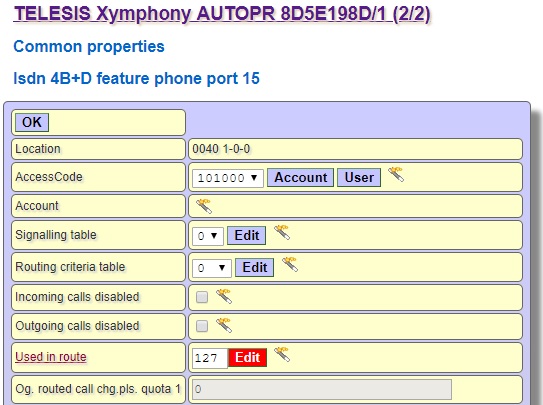 Select Campon with system message from the campon if no channel list box 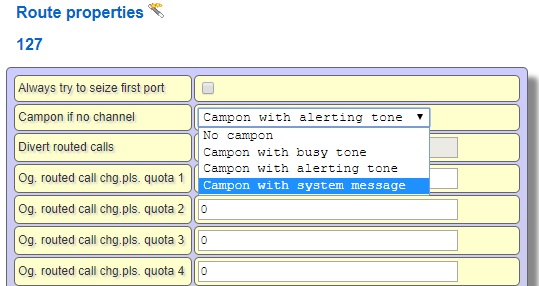 Go to account porperties of trunk and write Auto attendant law + table number in hot line field. In default settings auto attendant law 840, for table 00, write 84000 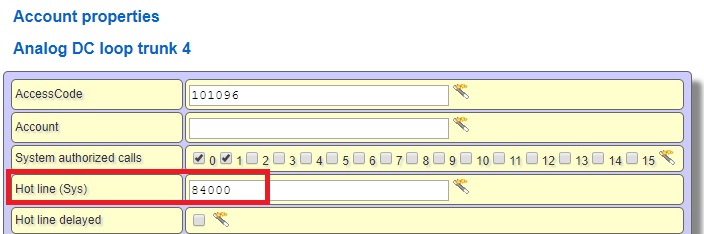 Click Routing / Auto Attendant 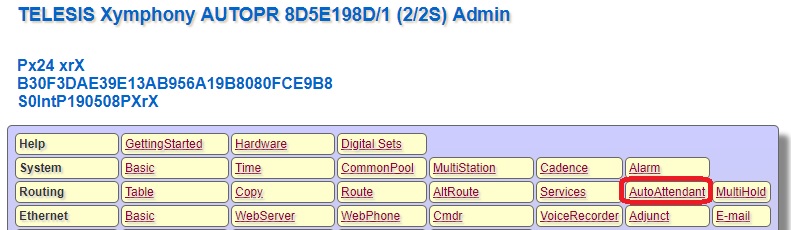 Select Attendant id 0 and click Edit button 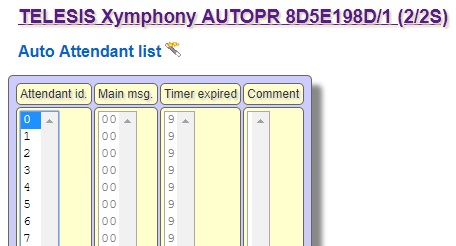 Routecamp message 1 shows the message read to the first person in queue, RouteCmp msg. shows the message read to the sixth and higher person in queue. 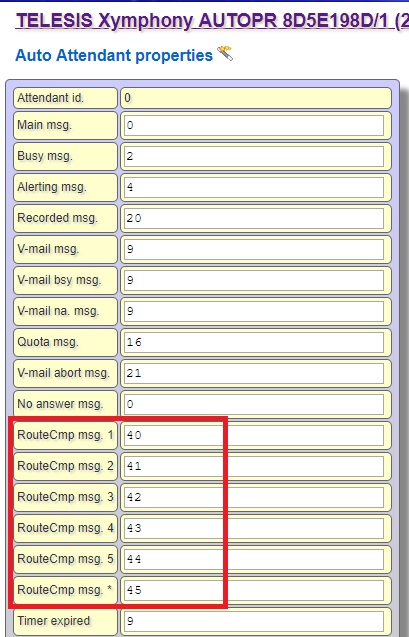 |