
|
|
DownloadVoiceMailMessagesThe subscriber must Update his/her password to download voice messages. After updating the password, the user can access the user properties page. To connect to the user properties page, you can connect with http: // exchange_ip_address: port_number / user.asp (for example, if the IP address of the exchange is 10.0.0.1 and port 30252 use http : // 10.0.0.1:30252 / user.asp) On the page that opens, enter the subscriber access code in the User name field and the subscriber password in the Password field. 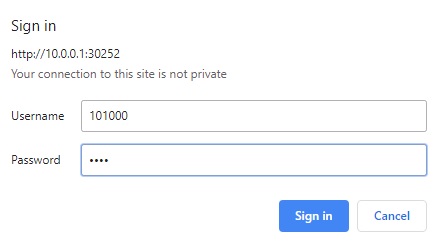 If the voice message is left in the subscriber, the message link with wav extension is displayed in the Saved message section. 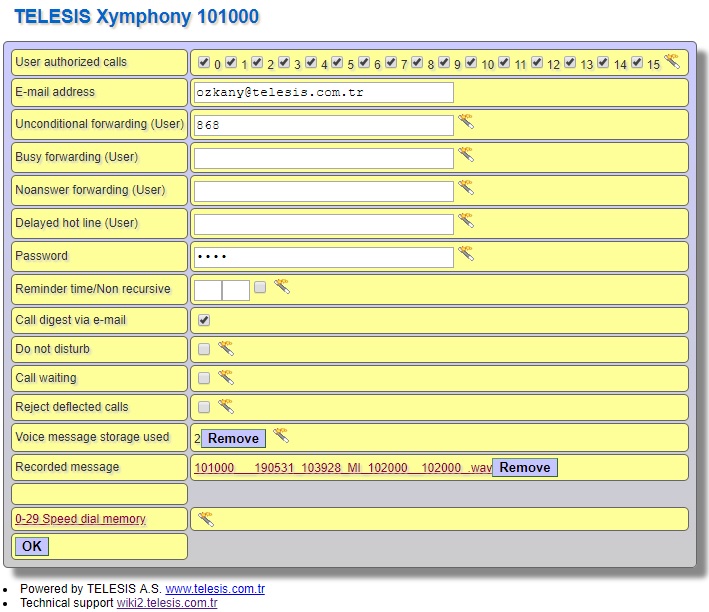 To download voice message click the link, if there are more than one message, the other message link will be active when the downloaded message is deleted. |