
|
|
HowToSetupAUserOnKarelMobilSoftphoneAlreadyDefinedOverTelesisPBXWhen you open the Karel Mobil Softphone program, press the 'Image' symbol in the upper left corner and select Account on the page that opens. 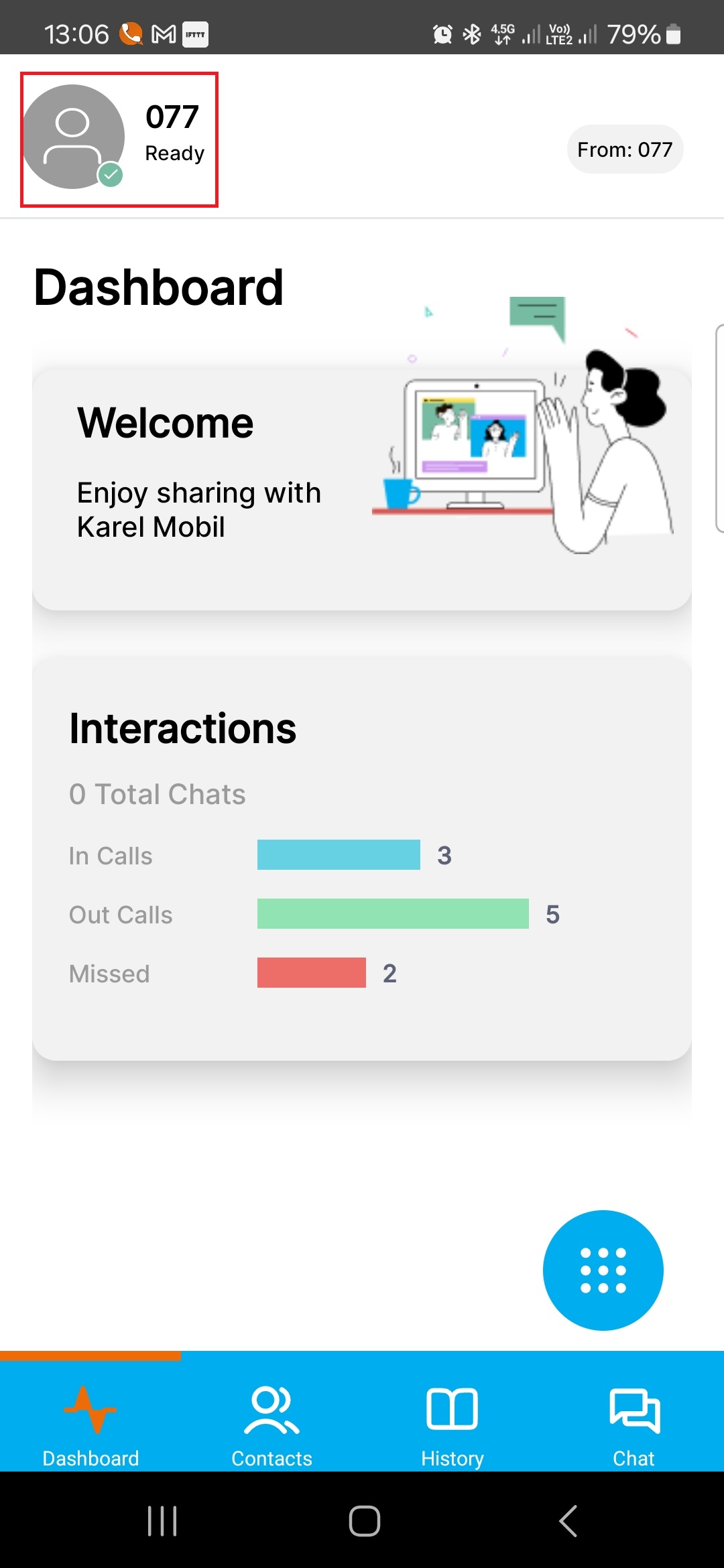 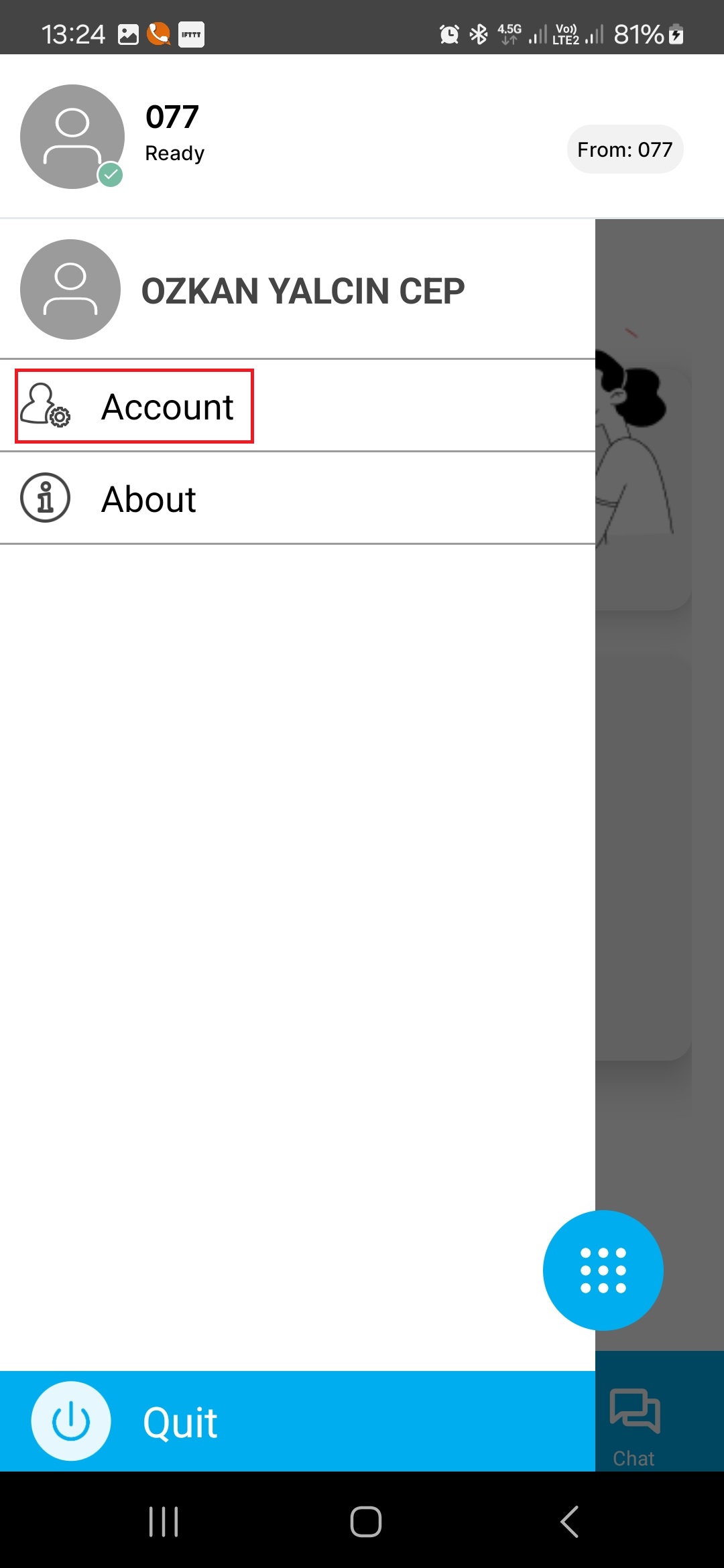 Karel Mobil Softphone requires 3 values to register to Telesis as VoIP phone Username: User ID of your KMT account Password: Password of your KMT Account Server: Type http://ip address(or URL name)of Telesis exchange:port number(http port)/prov for the web interface connection link of the exchange. For example; "http://46.221.6.31:30252/prov" 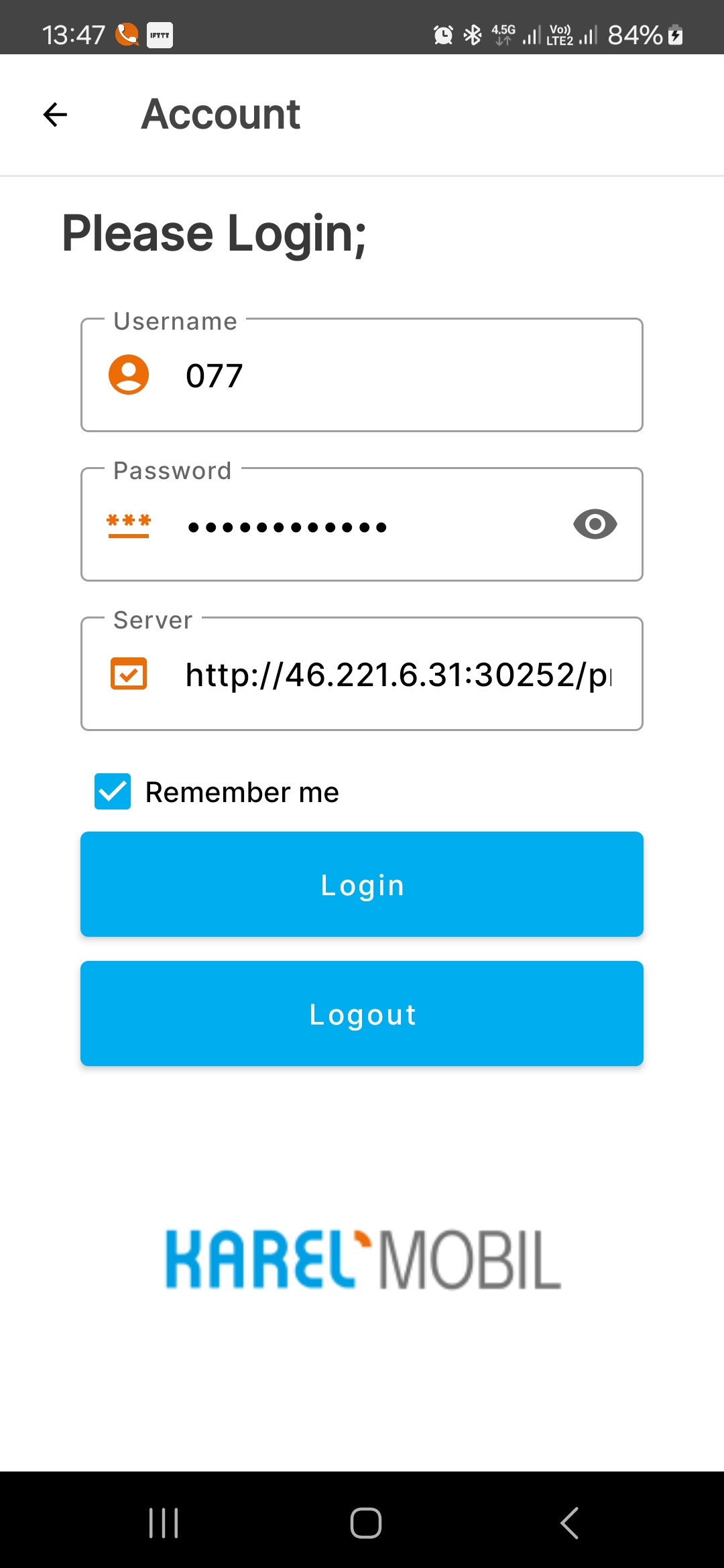 If the Account, password and server informations entered is correct, you will see Ready in the upper left corner and you can start using the Karel Mobile application within the permissions provided by your Telesis exchange. 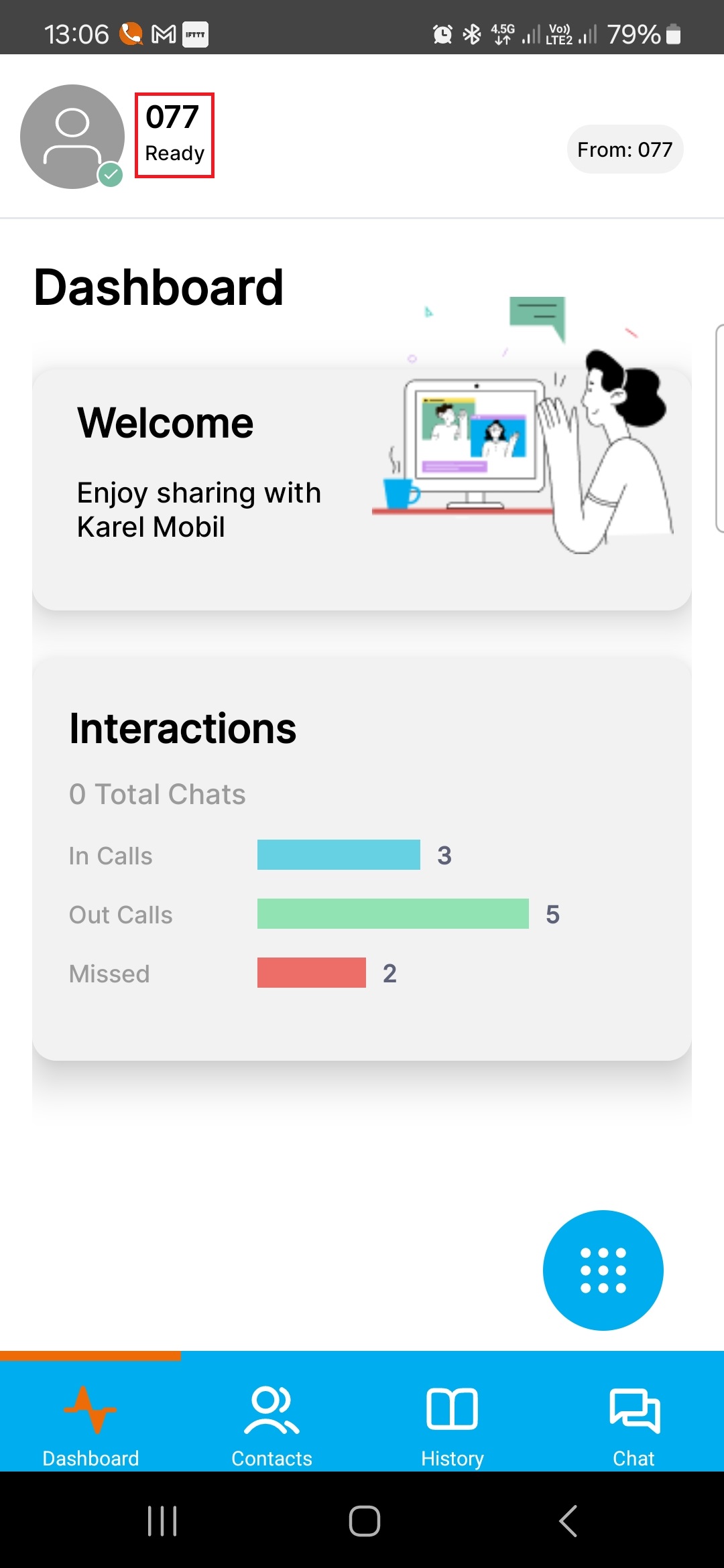 If the information entered is incorrect, you will see the warning message below. Check again the information you entered. 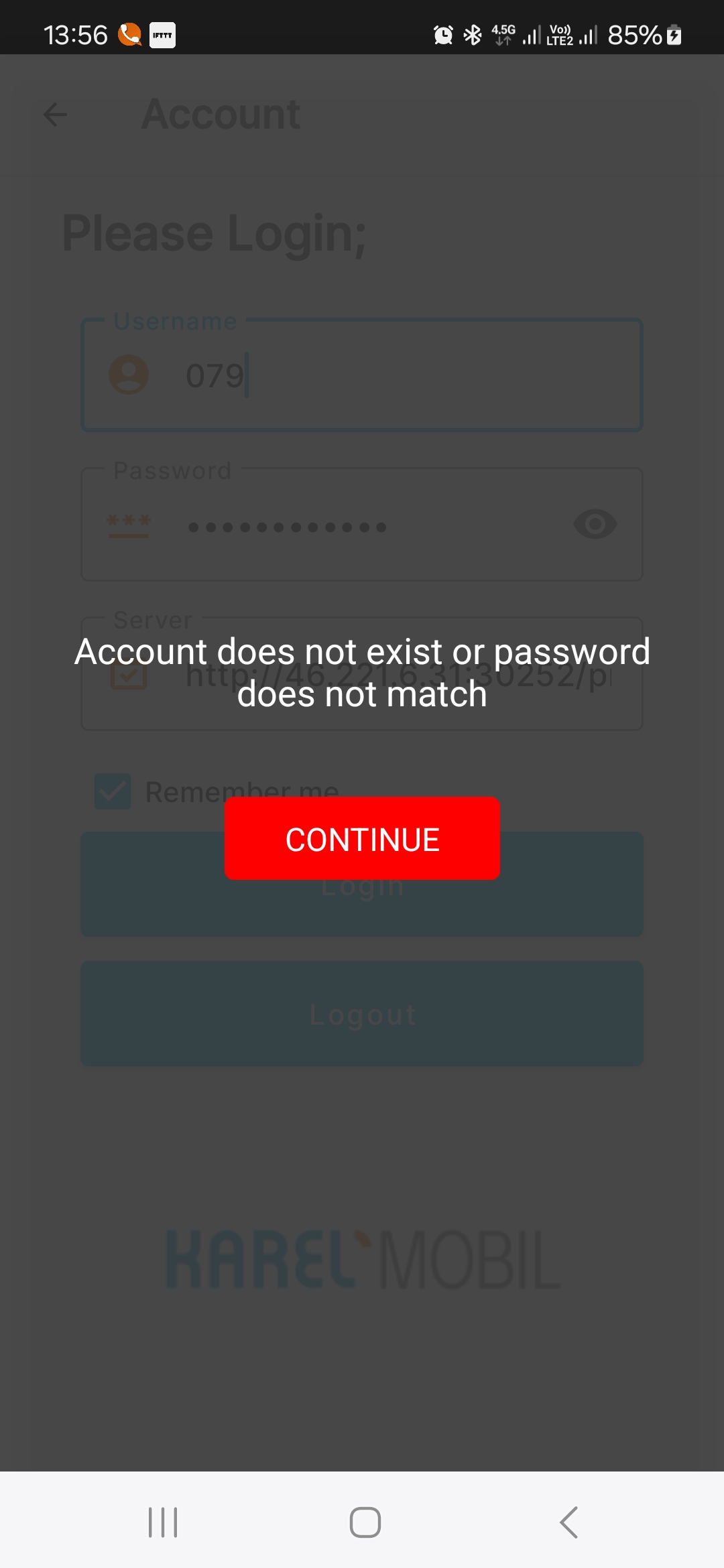 NOTE:
|