
|
|
HowToSetupAUserOnTelesisSIPVoIPSoftphoneAlreadyDefinedOverTelesisPBXWhen Telesis SIP VoIP Softphone lunched, click 'Settings' at the right corner of the screen 'SETTINGS'  Account You may define or modify SIP user parameters when you click Account menu item under 'Settings'. 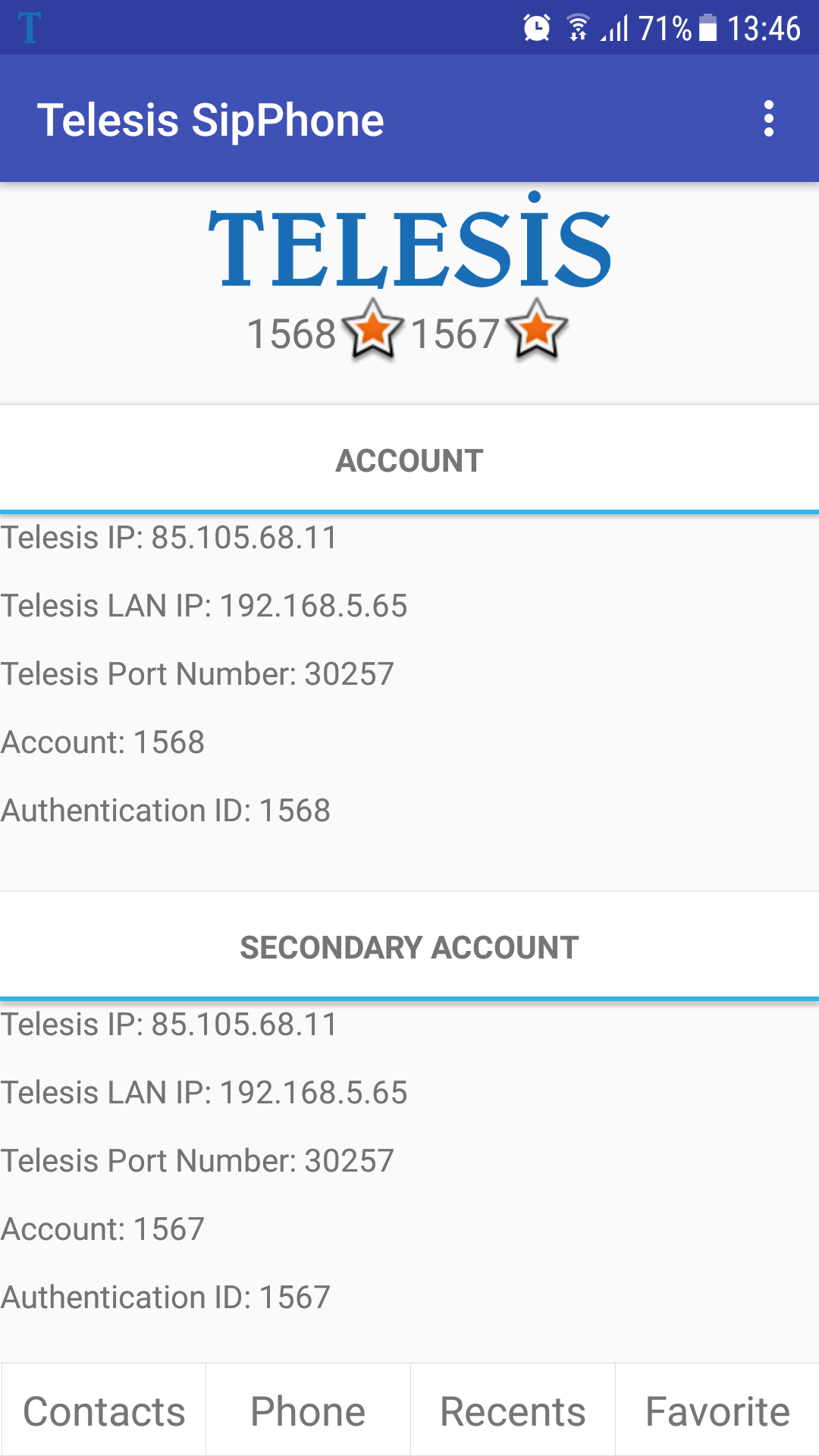 Telesis SIP VoIP Softphone requires six values (two of them are optional) to register to Telesis as VoIP phone WAN URL or IP :
wan URL or IP address of the PBX that your Sip account belongs.
eg. sip.sipprovider.com or 99.98.97.96 ip address
(if you are not sure of your pbx ip please contact IT personnel.
LAN URL or IP: (optional)
local area network URL or IP address of the PBX that your Sip account belongs. You may prefer to register local to your PBX.
eg. sip.localsipprovider.com or 192.168.0.1 ip address
(if you are not sure of your pbx ip please contact IT personnel.
Port Number:
Port number of the PBX that your Sip account belongs
Authentication ID:
Authentication ID of your Sip account
Account ID:
Account ID of your Sip account
Password:
Password of your Sip Account
NOTE:To register Telesis PBX over WAN you may need to route SIP signalling ports over modem, router or switch. Please see which ports to use are recommended and how you may route them over this link: Resources.Programming After you have fully define account parameters click Register button. You may start to use Telesis SIP VoIP Softphone App with parametric restrictions (if any) defined on Telesis PBX (or SIP Server) side. If you wish, you may define a second account which will work simultaneously. |