
|
|
XToolsCMDRDownloadFunctionBefore downlading CMDR records with Connect to your Telesis system with a web broswer.  The If protection dipswitch is not ON; By factory default, the CMDR port is 9876. If desired, the default value can be modified to another. Edit the 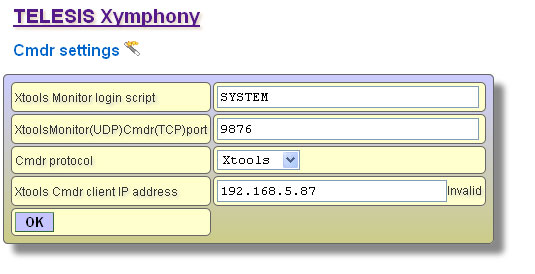 If protection dipswitch is ON; It is fixed port, can not be modified to another.  Note that it is also necessary to set After Telesis Xymphony system has been programmed appropriately, edit <Xymphony URL>:<port number> into the edit box to the left. 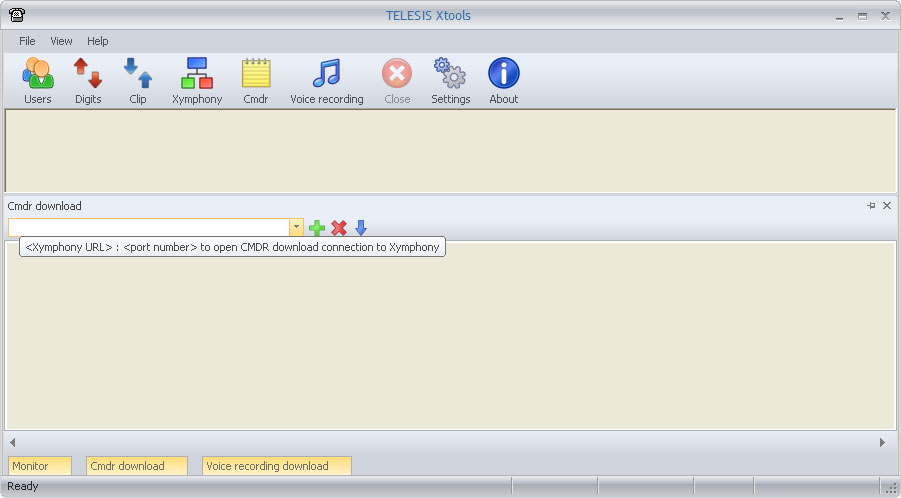 Then click on 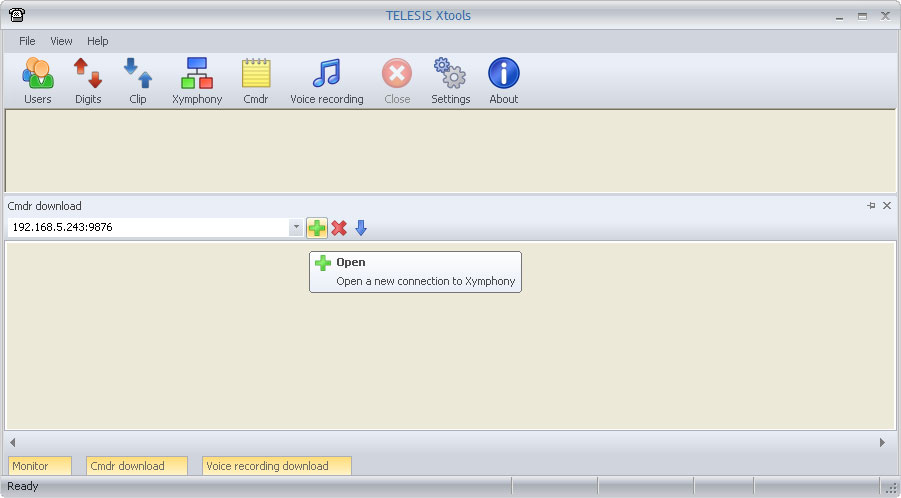 While the XTools establishes the communication, YELLOW indicator is displayed on bottom left corner. 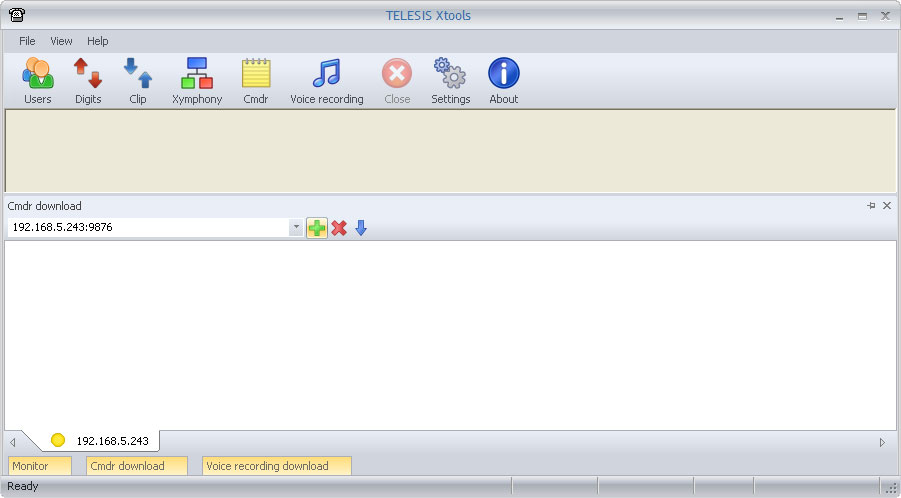 If the communication fails for any reason, the indicator on the bottom left corner returns RED. Then check IP connection of your PC, CMDR parameters in Xymphony etc. 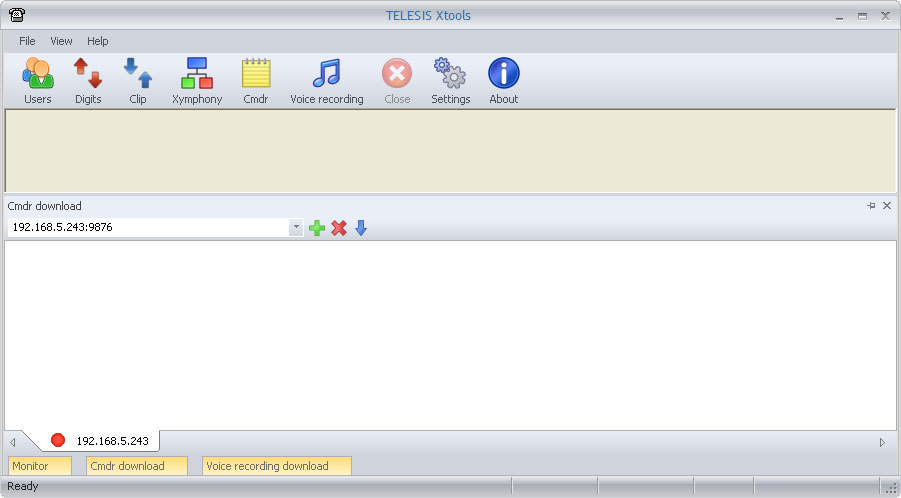 If the communication is successfully established, the indicator on the bottom left corner becomes GREEN. And if there are CMDR records in the buffer of Telesis Xymphony system, these starts to be downloaded and also shown in download window. Downloaded or collected data is stored in the xtools.mdb file automatically. Xtools.mdb is a database file supported by Microsoft Access. It has call and information records. Maximum xtools.mdb file size is limited to 1GB. If xtools.mdb approaches to the limit; XTools should be stopped, xtools.mdb should be archived (with copying to another directory, renaming etc.) and a new mdb should be created with re-running XTools.  The same XTools may connect up to four different Telesis Xymphony systems and collect their CMDR records at the same time. Then the created database file is common but records are marked with Xymphony IP addresses. 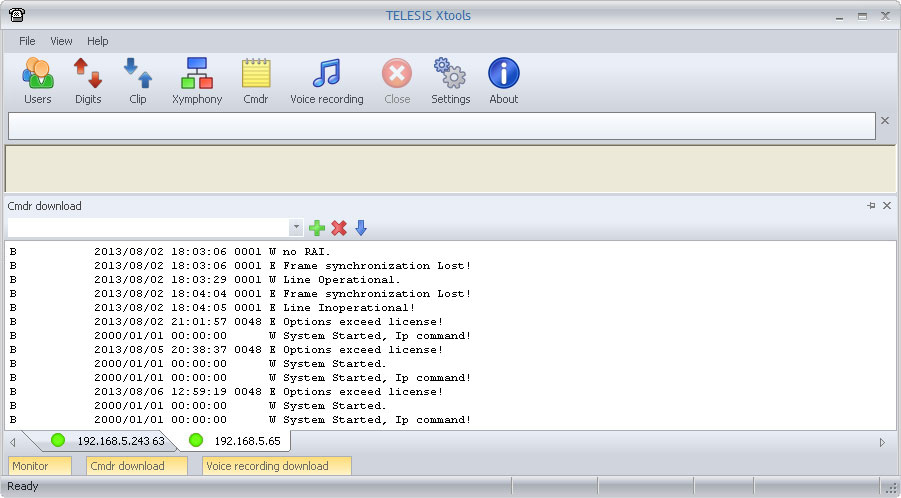 At anytime, connection to a Telesis Xymphony system may be terminated with using the 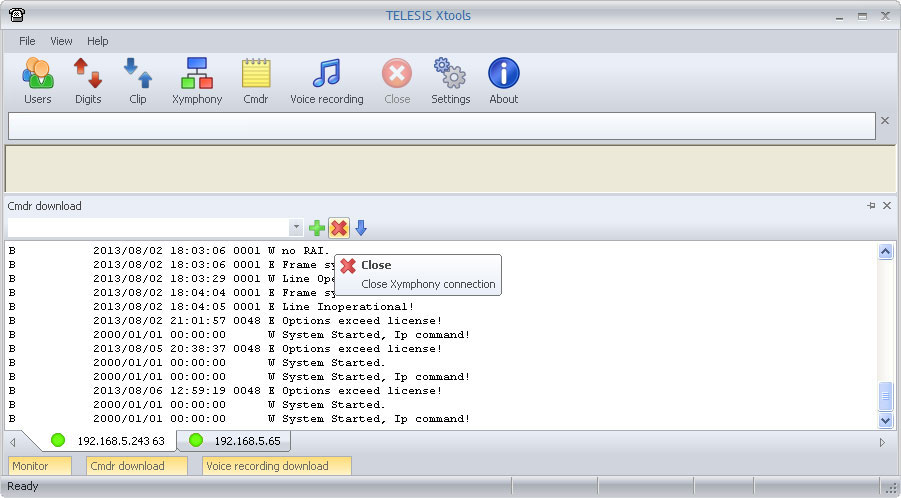 The 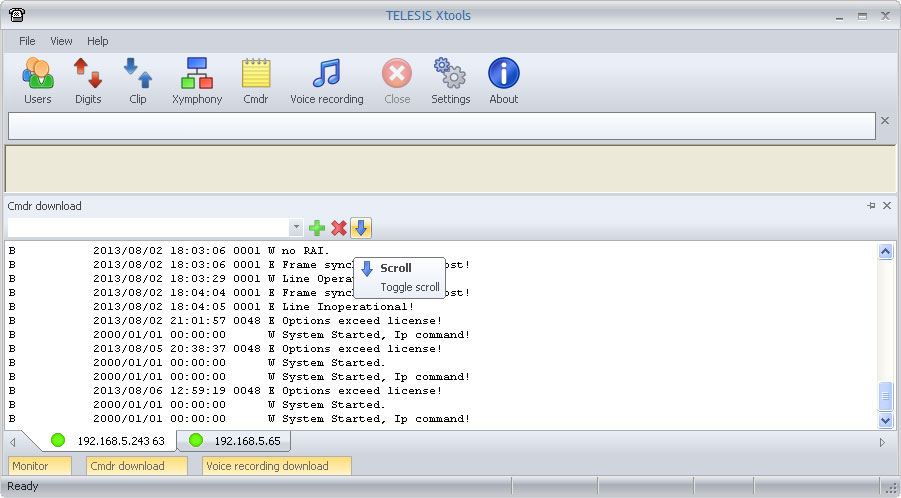 |