
|
|
XymphonyProgramming-AddingSIPSubscribers-Users

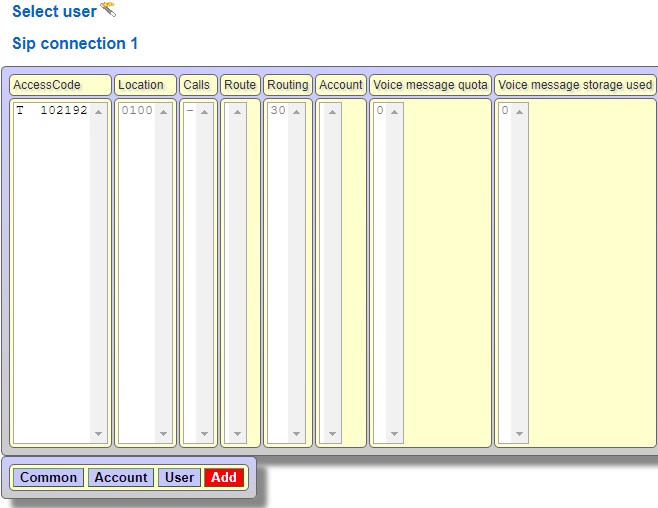 The system will automatically identify a sip user. You can change the User id from the Account properties page. The user id can be up to 34 alphanumeric characters.   Since the Register / Gatekeeper type is selected local, the system automatically assigns a password, the password cannot be changed. In order to reproduce the password, select the Register / Gatekeeper type No, the new password is generated when you select the local again. You can change the auth id, Auth id can have a maximum of 34 alphanumeric characters.  Select or change Any ip address can authenticate list box settings if necessary When No is selected; The system accepts requests from this user only from the Common features / Remote IP address. In this case, the user's IP address must be static. When Local is selected; The system accepts requests from all local (LAN) IP addresses of this user if the authentication process is successful. In this case, this user's IP address does not need to be static. When All is selected; The system accepts requests from all IP addresses of this user (within or outside the LAN) if the authentication process is successful. In this case, this user's IP address does not need to be static.  Enter the account name, auth id and the password to the sip phone or the softphone. If the registration is successful, the SIP users page shows the La mark  Note:The sip port of the exchange can be different from 5060, so to control the sip port, click Ethernet/Sip to open SIP voip settings page.  In the picture above, the exchange uses port 30257 as the sip port. For this reason, 30257 should be written instead of 5060 in the sip server field on the ip phone.  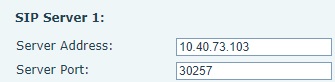 |