
|
|
XymphonyProgramming-Example2Create sales group, technical group, accounting group Assume that subscriber 103024 and subscriber 103025 are in the sales group, 103026 and 103027 are in the technical group, 103028 and 103029 are in the accounting group 1.It is necessary to give a route for each group, assume that route 126 for sales group, route 125 for technical group and route 124 for accounting group. Route is given from common propeties page, use Users / Find from the main page and write 103024 and click common properties 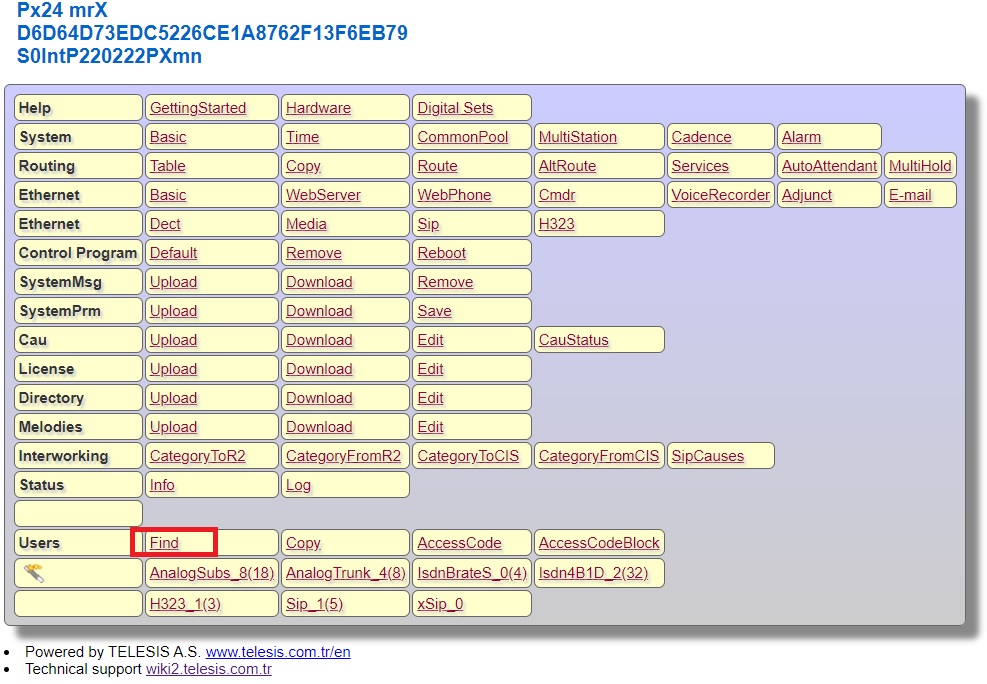 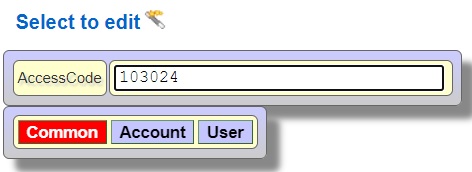 Write 126 in used in route text box and press OK button 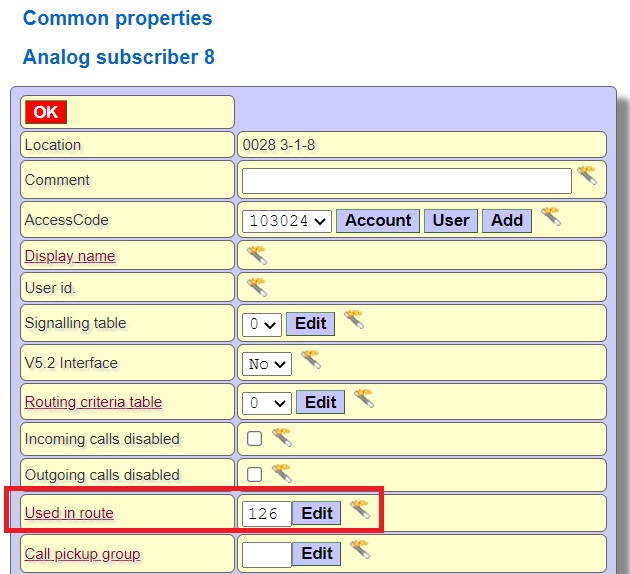 Give route on 103025 (R126), 103026, 103027 (R125), 103028 and 103029 (R124) with the same method WHAT IS DONE subscribers 103024 and 103025 are using route 126, 103026 and 103027 are using route 125, 103028 and 103029 are using route 124 2. Dial 3 to call the sales group, 4 to call the technical group and 5 to call the accounting group In factory settings sunscribers are using routing criteria table 0, for this reason press Routing / Table from the main page. 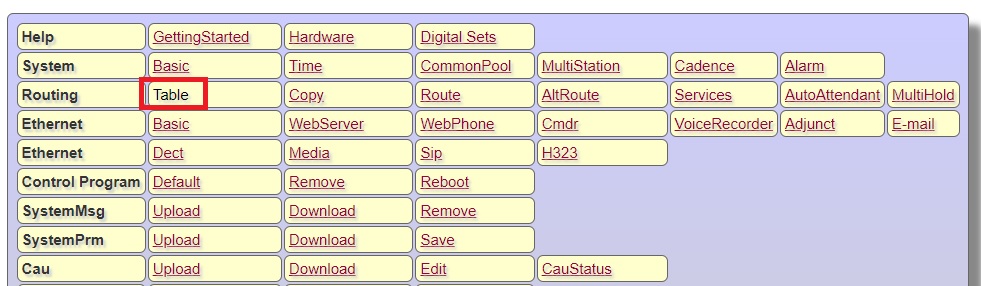 Select Routing criteria table 0 and press OK button 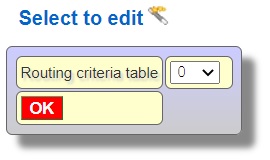 Select prefix 3 and press Edit button 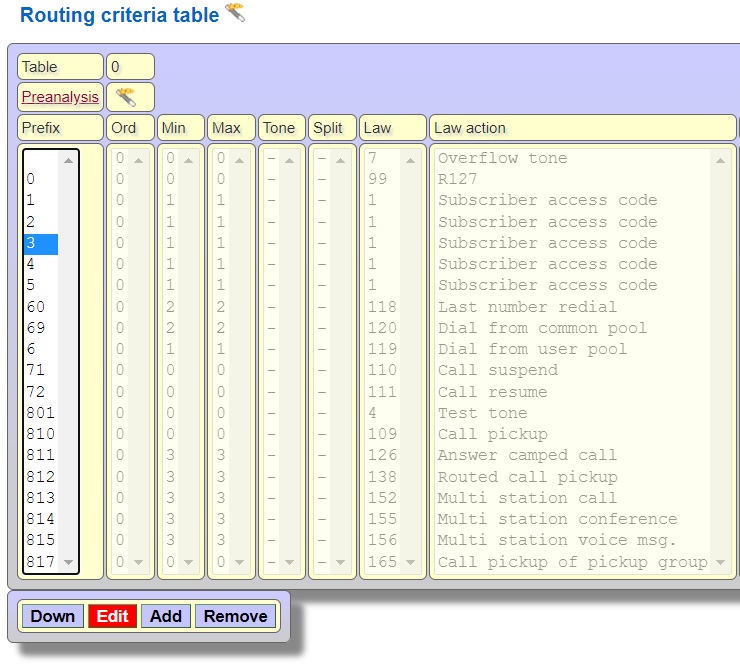 Press Unused button to give a law number that has not been used before 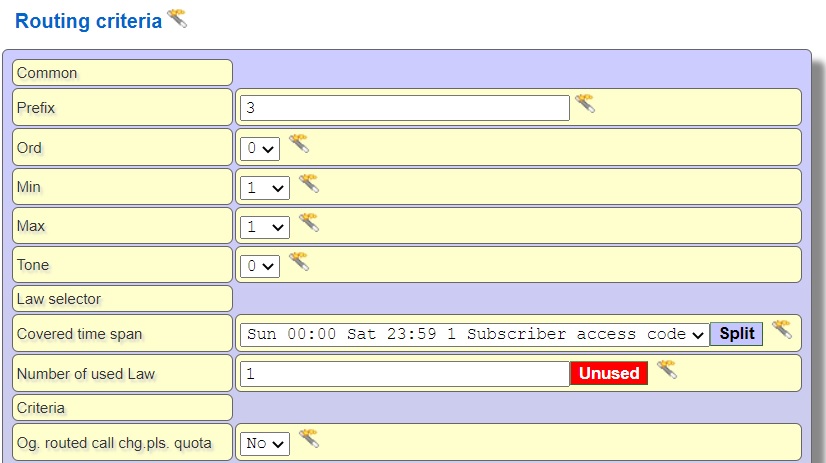 Select 1 for Required authorization-Day and Night, select R126 in law action list box 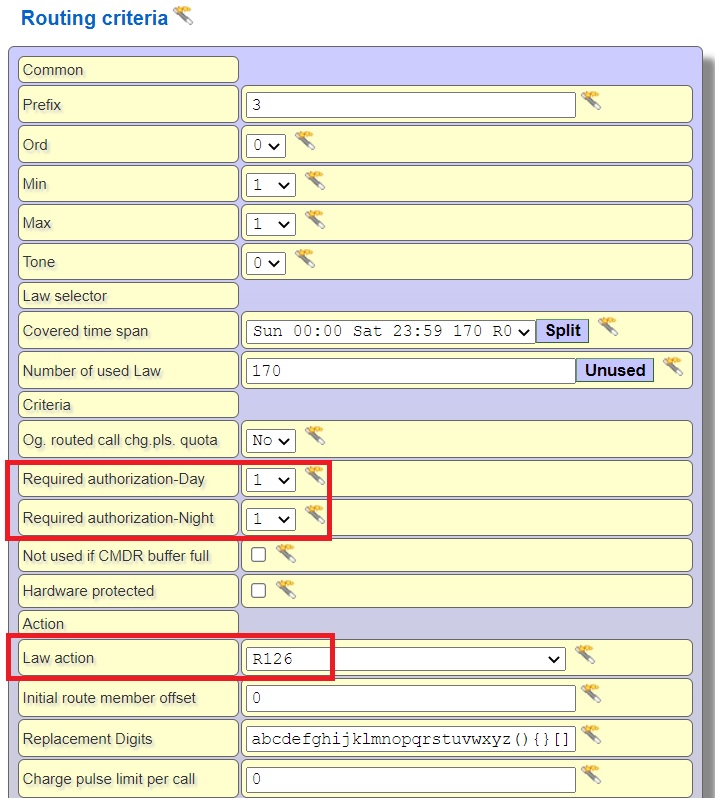 In same way, use prefix 4 for R125 and prefix 5 for R124 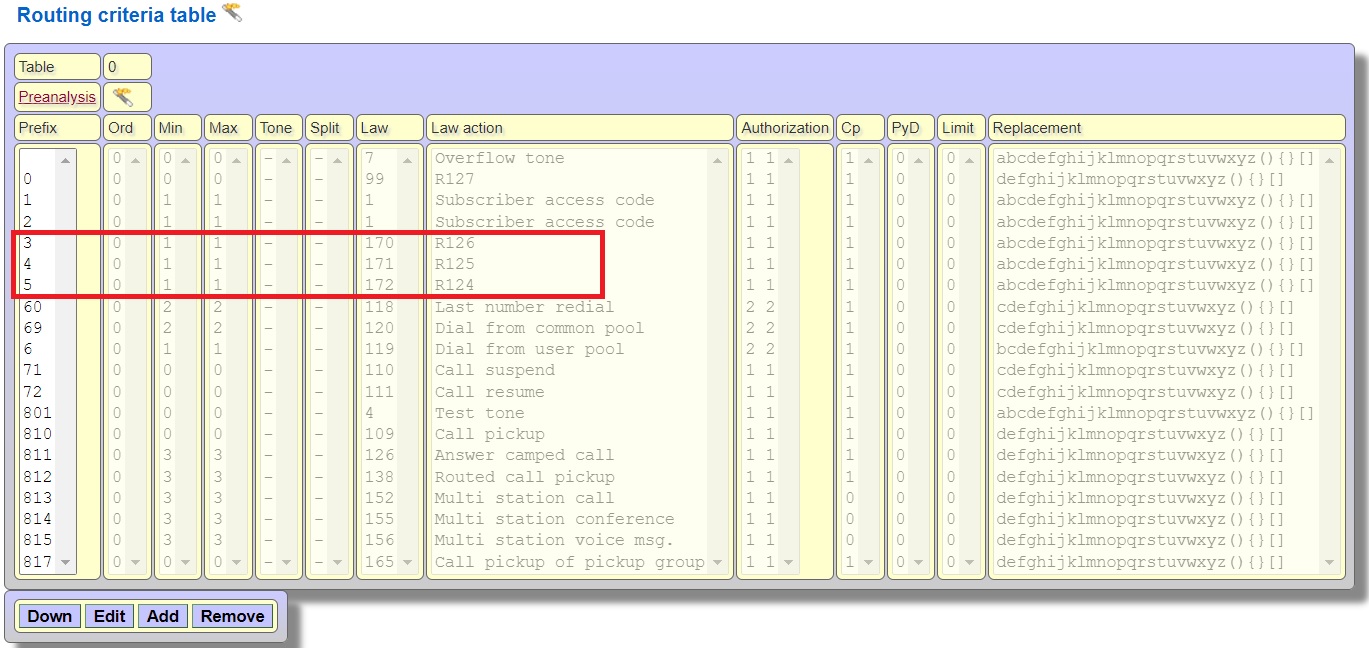 |